 GetAPI
Create and protect a GetAPI.ONE API key
Create a named, scoped key; select a group, expiry, and quota; store it outside source code; verify it; and revoke it safely.
Prerequisites
- Sign in to GetAPI.ONE and confirm you can open the console.
- Confirm the account has usable balance or an applicable package.
- Decide which single client or project will use this key and where its secret environment variable will be stored.
Create the key
- Open API Keys from the console navigation and select Create API key.
- Enter a descriptive name, such as the client and environment. Avoid putting the secret itself in the name.
- Choose the group required for the intended model and endpoint.
- Set one key, a specific expiry, and a quota aligned with expected use. Review advanced restrictions only when the client needs them.
- Save changes and return to the key list.
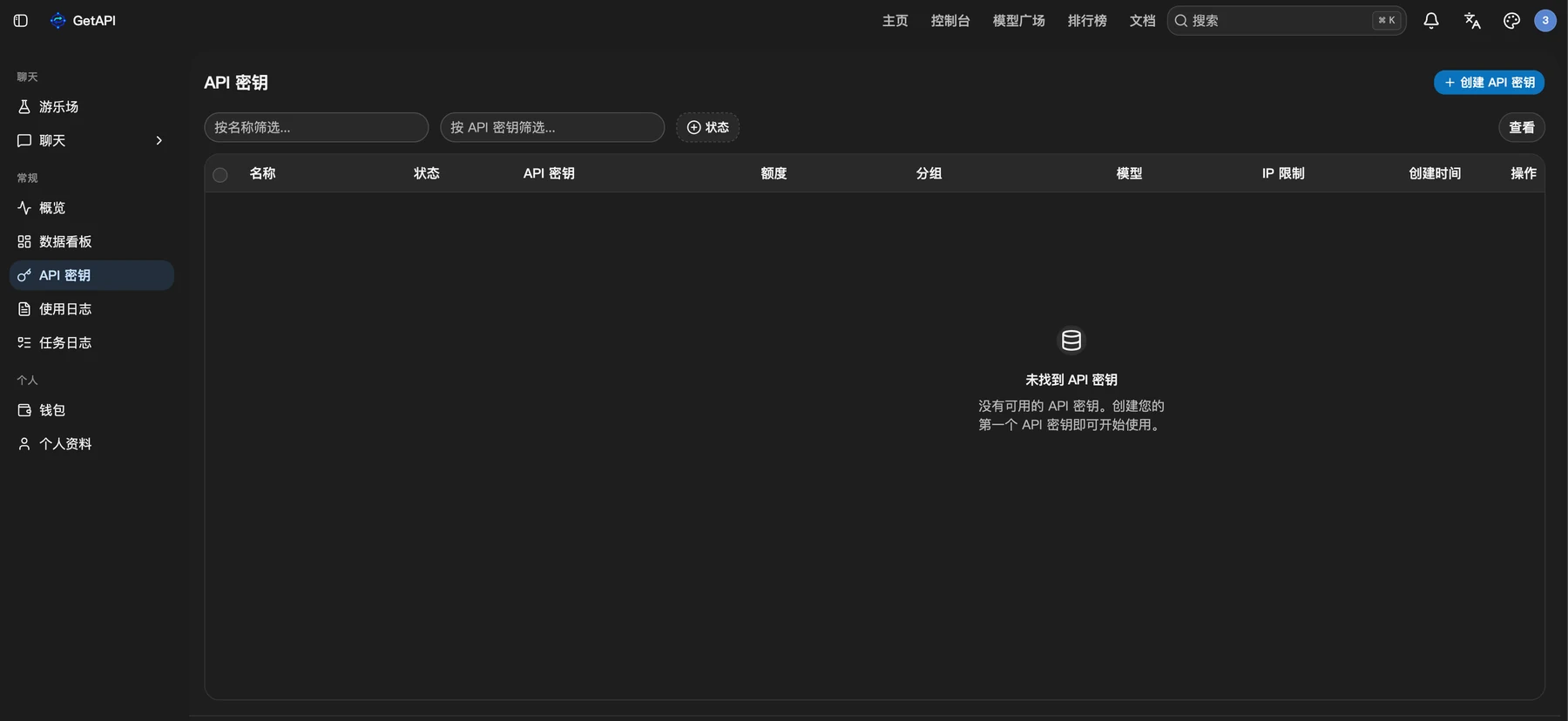
Copy and store it
After creation, the list shows the key name, masked key, group, status, and management actions. On GetAPI.ONE the key is not a one-time-only reveal: you can copy it again from the key list and continue managing it.
export GETAPI_ONE_API_KEY="replace-with-your-private-key"$env:GETAPI_ONE_API_KEY = "replace-with-your-private-key"Pair the key with the ONE address
| Use | Value |
|---|---|
| Site / API origin | https://www.getapi.one |
| Codex / CCSwitch base URL | https://www.getapi.one/v1 |
| Credential | Copy from the GetAPI.ONE key list |
Verify without exposing the key
- Configure one client or use the direct request guide with a placeholder model replaced by an endpoint-compatible catalog entry.
- Send only one minimal request whose possible charge you are prepared to accept.
- Confirm a valid response and check the console request or usage record. Mask the key before saving diagnostic output.
Errors, rotation, and revocation
- 401 / Unauthorized: re-copy the key, remove accidental whitespace, confirm it is enabled, and verify it is paired with the ONE address.
- Model not found or access denied: confirm the key group exposes the model and that the model declares the endpoint your client uses.
- Quota or expiry error: inspect the key limit and expiry before increasing them; also check account balance and rate limits.
- Suspected disclosure: disable or delete the affected key, create a replacement with the minimum required scope, update the client, and verify the old key can no longer be used.